

Switch tenant
AAcmeOwner
NNorthwindAdmin
Create tenant
Multi-tenancy
Give each customer, product, or team its own tenant. Invite people by email, assign a role, and keep keys, users, and policy on the environment they belong to.
First million monthly active users free. No credit card.
Where a change lands
Set up
One for each product, client, or business unit that should not share projects, team, or settings. Tenants are not capped on any plan.
Attach tenant access to the invite, so a new member lands in the right workspaces the moment they accept.
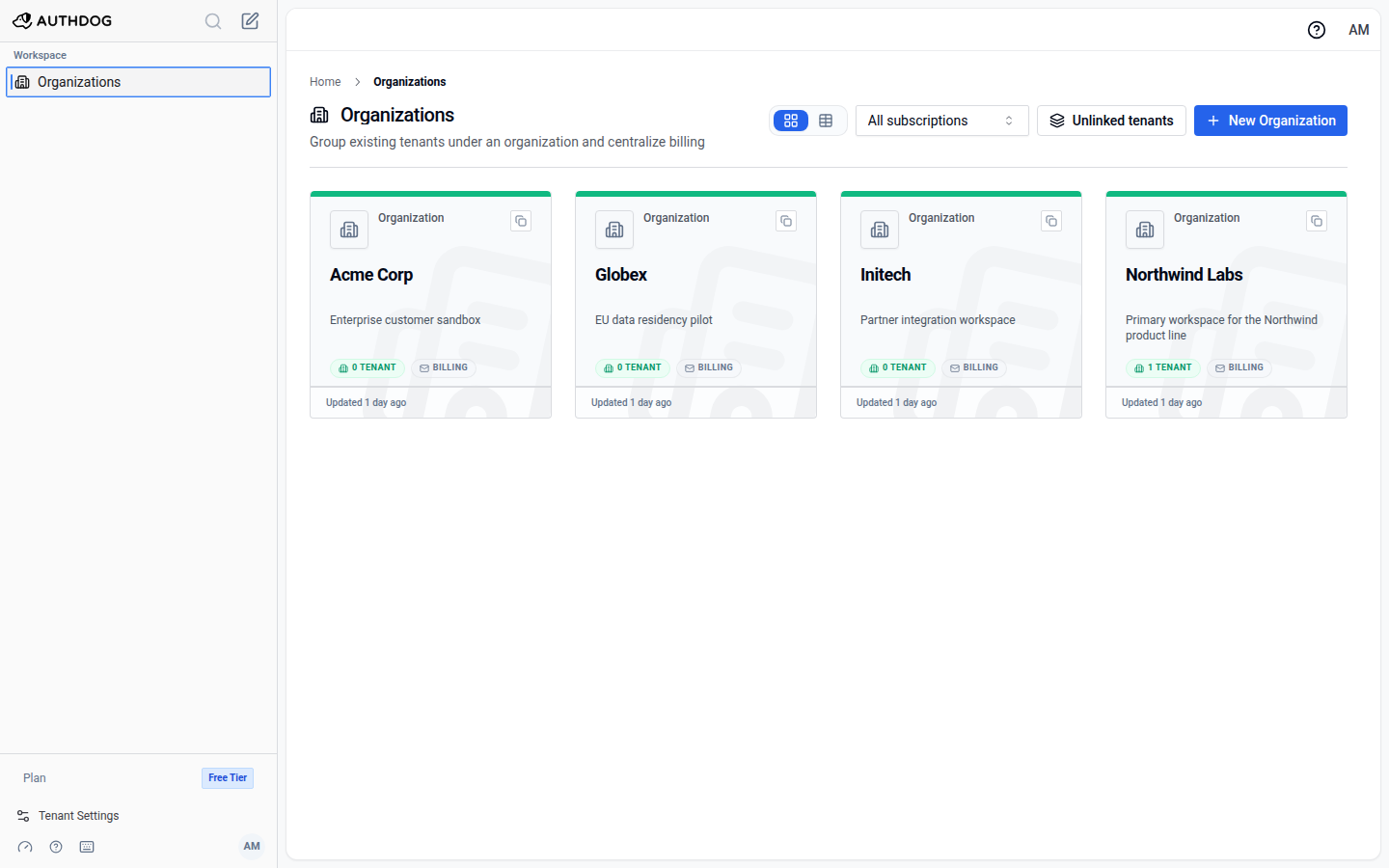
Optional. One billing and admin umbrella over several tenants, with plan and seat totals rolled up.
Switch tenant
Isolation
The environment is the unit that serves auth. Nothing leaks across, so a mistake in dev stays in dev.
Keys
A session issued in dev can never validate in production, and the reverse holds too.
token from acme / dev
checked by acme / production
rejected: unknown key
Users
Test accounts stay in dev. Production users are never touched by an experiment next door.
dev 3 test users
staging 12 users
production untouched
Policy
RBAC, ABAC, or FGA, chosen per environment. Verify a policy in staging, then apply the same shape to production.
staging fga
production rbac
promote when ready
Enterprise
Send a short-lived Admin Portal link scoped to one task: SSO, directory sync, or domain verification. The administrator finishes it without ever seeing your console.
Explore enterprise identityAdmin Portal link
One organization, one task, then the link expires
Console
Pricing
Tenants are part of the free core. Paid plans add team seats and support.
Included
When the team grows
FAQ
A four-level hierarchy: organization, tenant, project, environment. The organization is the account boundary for billing and administration. The tenant is the day-to-day workspace. A project is one application. An environment is the unit that serves auth, with its own keys, connections, users, and authorization model.
When a product, a client, or a business unit should not share projects, team access, domains, or settings with the others. One product shipping through a few stages needs one tenant, one project, and an environment per stage.
No. An organization is your Authdog account boundary, not a directory of the companies that sign in to your app. Your end users live in an environment's user store. Create an organization per customer only when that customer is its own Authdog account with its own tenants and billing.
No. Signing keys belong to one environment, so a session issued in dev cannot validate in production. Your app selects the environment by using that environment's public key.
Through an invitation sent by email with a role. Tenant access can be attached to the invite, so the new member can open specific tenants when they accept. Removing a membership revokes console and API access without deleting the underlying user account.
Yes. The Admin Portal issues a short-lived link scoped to one setup task for one organization: enterprise SSO, directory sync, or domain verification. The administrator completes that task without access to your Authdog console.
They follow the same path: organization when the account has one, then tenant, project, and environment. Switching organization clears the lower scope, so you do not act on the wrong subtree.
Tenants are part of the free core and are not capped. The first million monthly active users are free. The Team plan includes 3 team seats, with additional seats at $11 a month each. See the pricing page for the full comparison.
Create a tenant, invite the team, and ship. The first million monthly active users are free.