

Model Context Protocol
Authentication and authorization for MCP servers
Put an identity layer in front of every MCP server your agents connect to. Register the server, front it with OAuth, scope what each client may call, and keep a record of every tool invocation.
MCP server
https://api.authdog.com/mcpclaude mcp add --transport http authdog https://api.authdog.com/mcpAuthdog CLI: authdog mcp install --client claude
- OAuth for MCP
- MCP Auth in the console configures your issuer, default resource, DCR/CIMD, and Connect snippets so clients obtain tokens instead of long-lived secrets.
- Server registry
- Register each MCP server per environment with its transport, auth requirement, and allowed scopes.
- Scoped tool access
- Grant an agent only the tools and scopes its task needs, and revoke them from one place.
- Attributable calls
- Every request records the acting user, the client, and the channel it came through.
MCP SDK
Verify Authdog tokens inside your MCP server
The client sends its Authdog access token as a bearer token. The SDK verifier calls GET /v1/userinfo and hands your server an AuthInfo (subject, username, email, scopes, expiry). An invalid or expired token raises an authentication error your transport turns into a 401.
Verify an incoming bearer token and read the caller's identity.
import { AuthdogVerifier, AuthenticationError, APIError } from '@authdog/mcp-sdk';

// Initialize the verifier
const verifier = new AuthdogVerifier({
  baseUrl: 'https://api.authdog.com',
  timeout: 10000, // Optional, defaults to 10 seconds
});

// Verify an incoming bearer token
try {
  const authInfo = await verifier.verifyToken('the-access-token');
  console.log(`Subject: ${authInfo.subject}`);
  console.log(`Username: ${authInfo.username}`);
  console.log(`Email: ${authInfo.email}`);
  console.log(`Scopes: ${authInfo.scopes.join(', ')}`);
  console.log(`Expires at: ${authInfo.expiresAt?.toISOString() ?? 'unknown'}`);
} catch (error) {
  if (error instanceof AuthenticationError) {
    console.error('Authentication failed:', error.message);
  } else if (error instanceof APIError) {
    console.error('API error:', error.message);
  } else {
    console.error('Unexpected error:', error);
  }
}- 01
Install
Add the SDK for your server's language.
- 02
Verify
Pass the incoming bearer token to AuthdogVerifier, pointed at your Authdog API base URL.
- 03
Authorize
Use the returned AuthInfo to allow or deny each tool and resource call.
All SDKs live in authdog/mcp-sdk. They are source-available and registry publication is not confirmed, so installs may fail until release. Scopes are empty today because userinfo does not return them yet. For the Node runtime guard with trust store, AuthZEN, and telemetry, and per-language guides, see the MCP SDK docs.
Server registry
Know which servers your agents are allowed to reach
MCP servers are first-class objects in the console, scoped to an environment so staging connections never resolve in production.
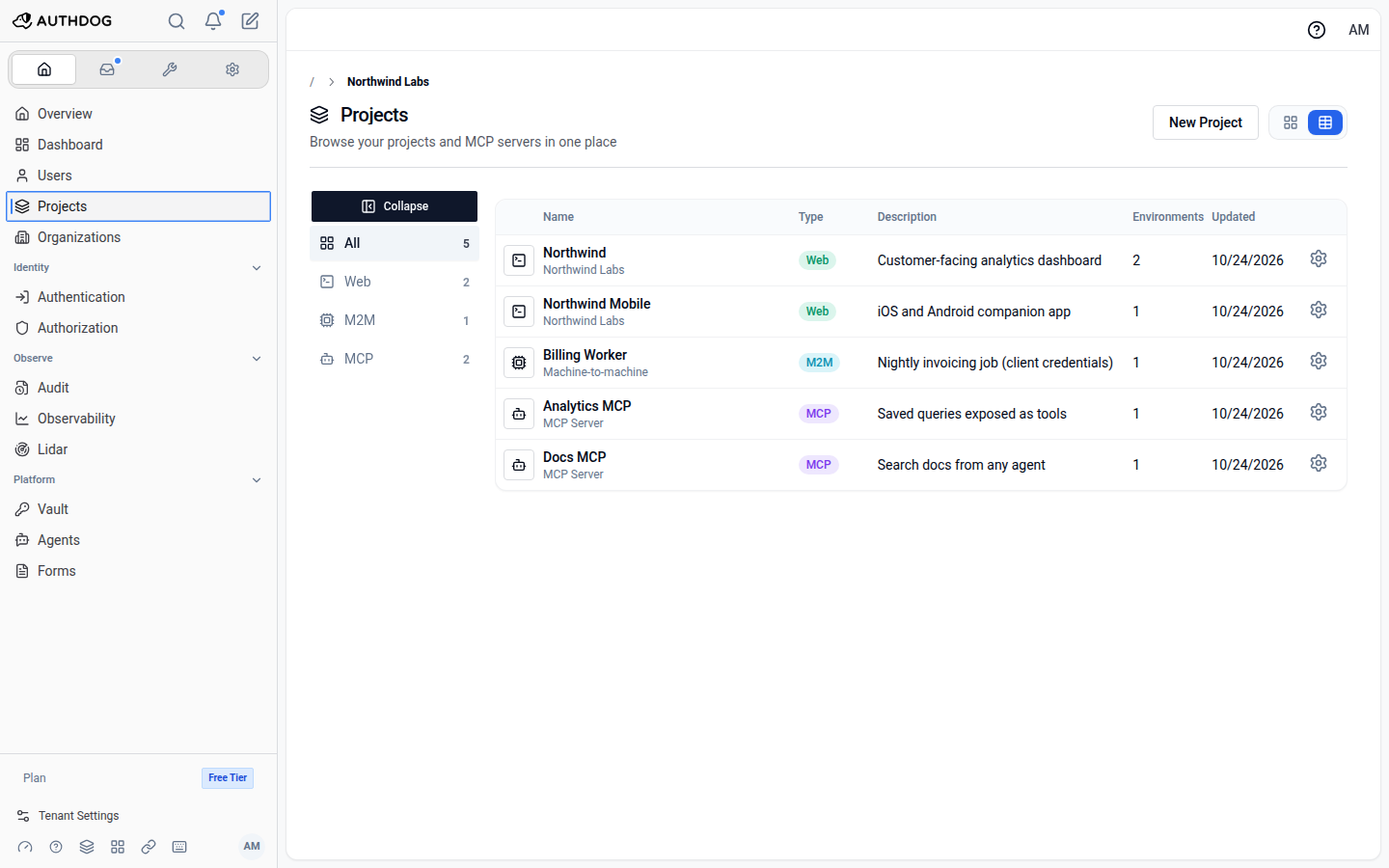
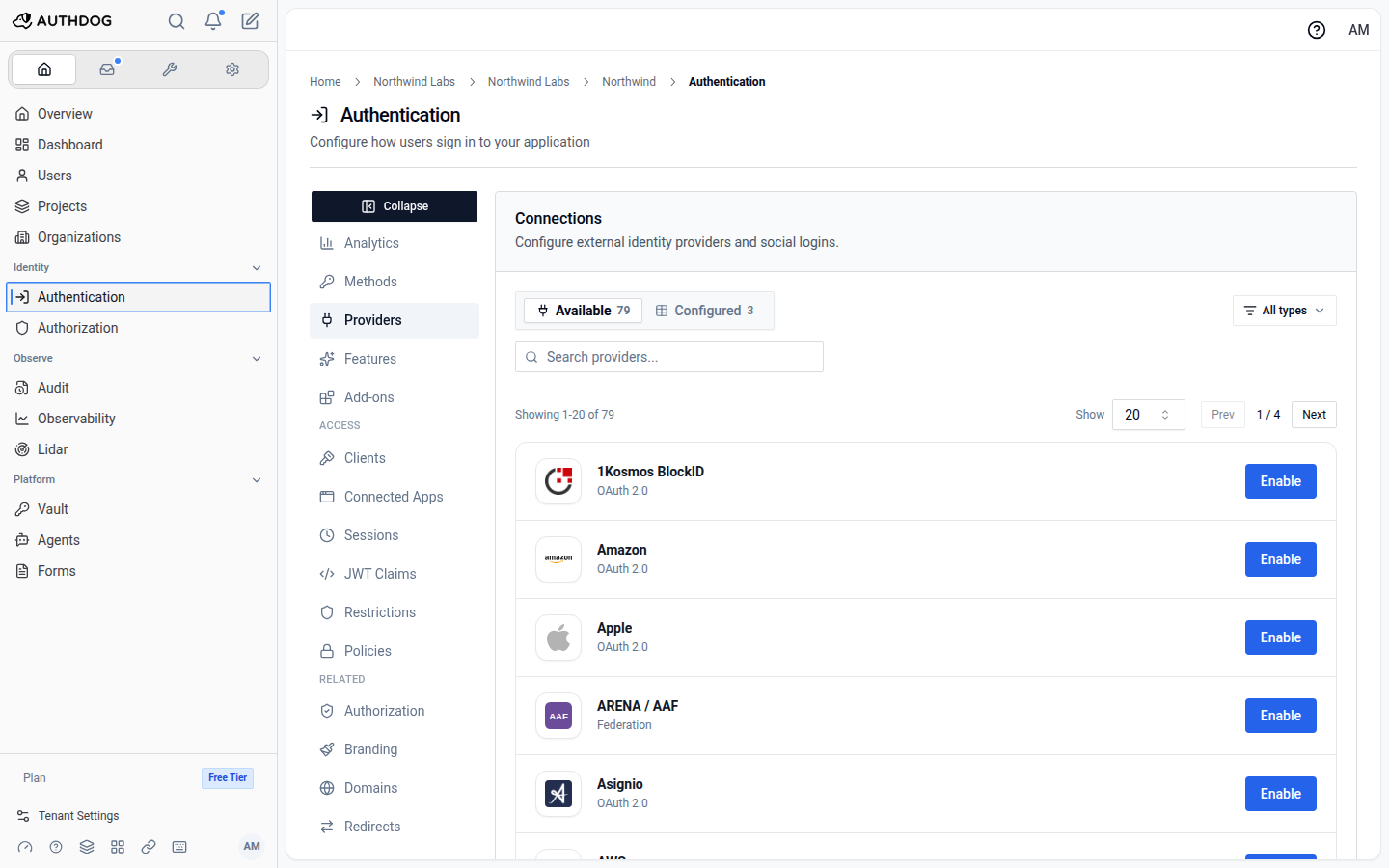
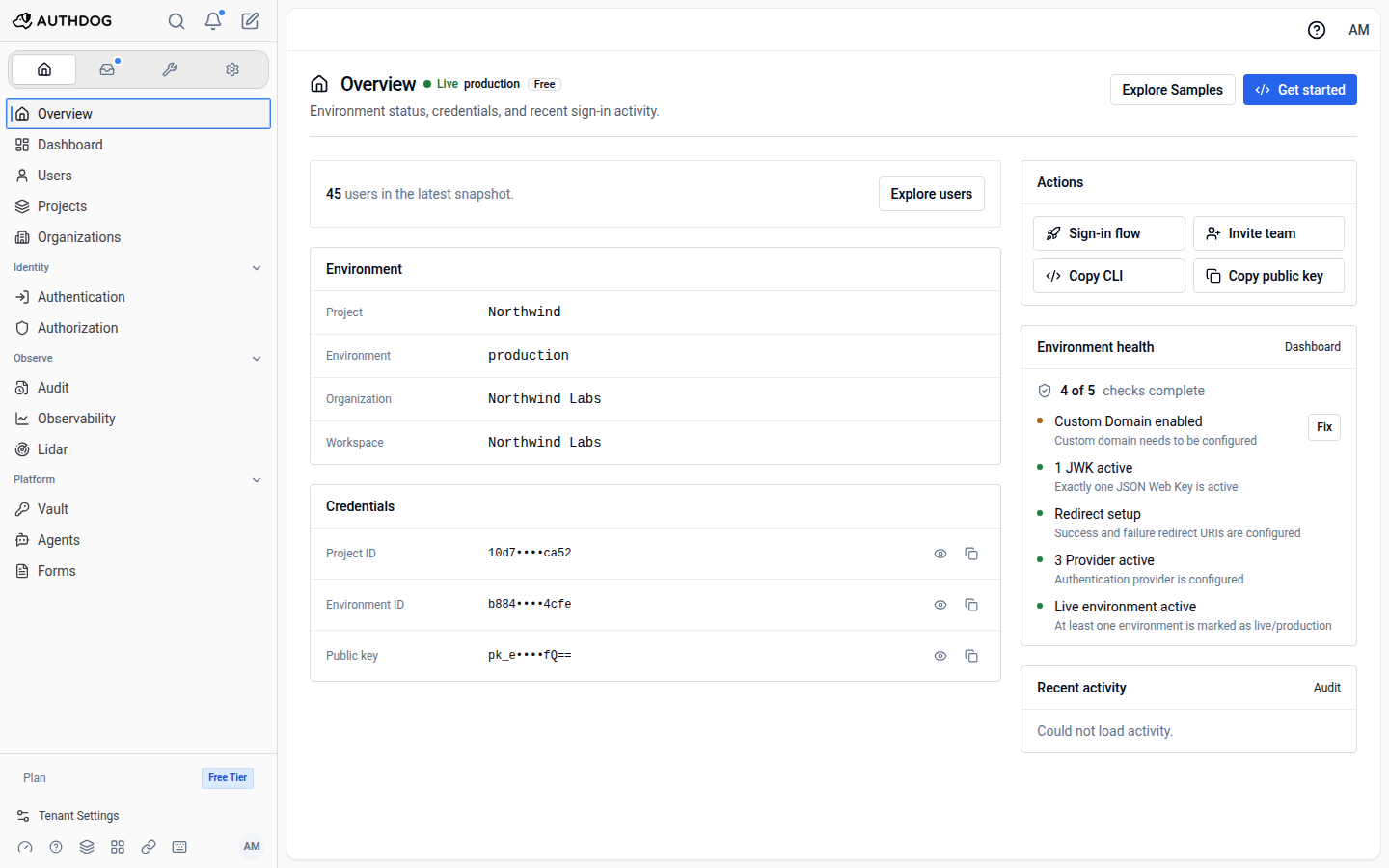
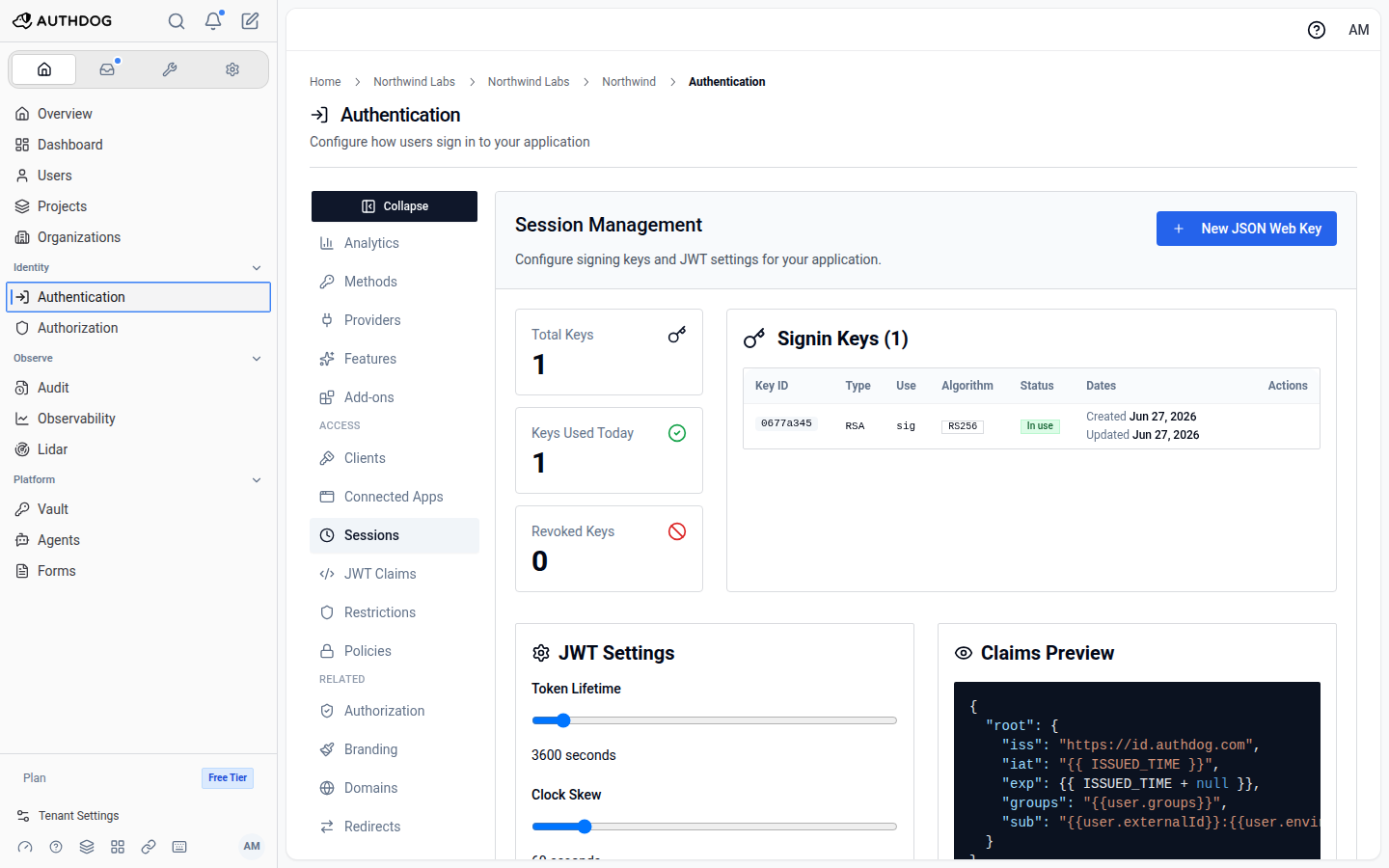
Register a server
Testing and audit
Verify the connection, then keep the receipts
Debug the handshake before you ship, and retain an audit record of what agents did once you have.
MCP playground
Connect to a registered server from the console, run the OAuth flow, and call tools interactively to confirm the wiring.
Learn more about MCP playgroundAuth probes
Inspect discovery, token exchange, and authorization responses step by step when a client fails to connect.
Learn more about Auth probesActor and channel context
Audit entries distinguish an action taken in the console from one taken by an agent over MCP.
Learn more about Actor and channel contextStreamable audit trail
MCP activity lands in the same audit log you forward to Datadog, Splunk, Sumo Logic, Sysdig, or a signed webhook.
Learn more about Streamable audit trailFree trial
Request a free trial
Tell us what you're building and we'll get you set up with a trial, plus someone who can answer questions as you evaluate.
- Full access to the platform while you evaluate it
- Help wiring it into your stack from someone who knows it
- Answers on SSO, SCIM, residency, and compliance requirements
Register
Add your MCP server to an environment and declare the scopes it exposes.
Protect
Bind an OIDC client so clients authenticate before any tool call is served.
Observe
Test the flow in the playground, then audit and stream every call in production.
Secure your MCP server before an agent connects to it
Register a server, issue scoped credentials, and keep every tool call attributable from one control plane.