C
Claude
Anthropic's AI assistant
Implement RBAC for my API...


Access Control
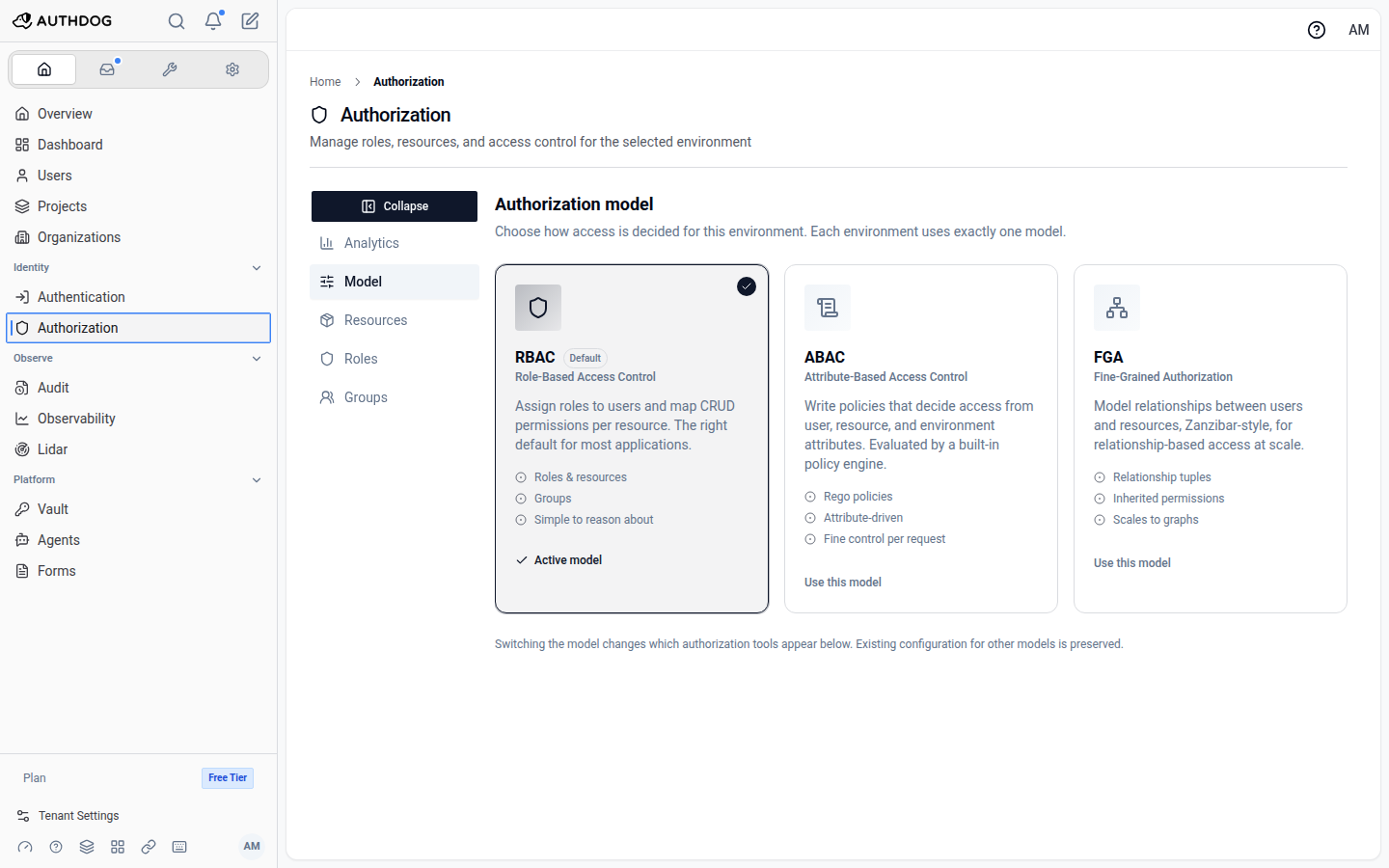
One environment, one model. Start with roles. Move to attributes or relationships when the product needs it. The check from your app stays the same.
Models that ship
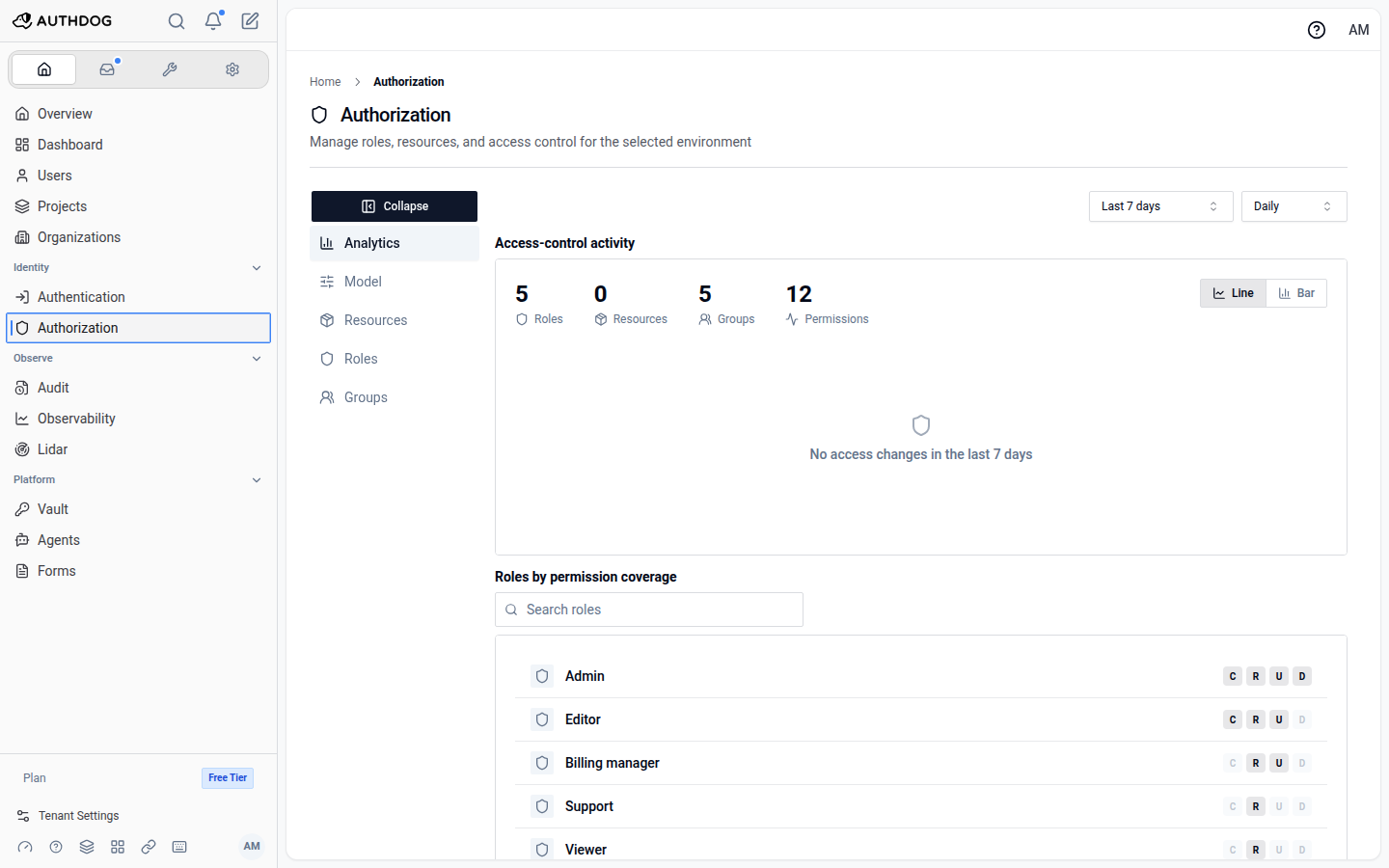
RBAC is the default. ABAC evaluates Rego. FGA walks relationship tuples. Configuration for unused models is kept when you switch.
RBAC
How it works
Model
Pick RBAC, ABAC, or FGA for the environment.
Enforce
Ask AuthZEN or the SDK before the action runs.
Audit
Every allow and deny lands in the trail.
Build with AI
Ready-made prompts for your favorite AI assistant. Each references real Authdog SDKs, APIs, and documentation.
Claude
Anthropic's AI assistant
Implement RBAC for my API...
ChatGPT
OpenAI's conversational AI
Set up fine-grained authorization...
Cursor
AI-powered code editor
Add attribute-based policies...
Free trial
Tell us what you're building and we'll get you set up with a trial, plus someone who can answer questions as you evaluate.
Concepts first, then the console module and the AuthZEN API.