

Integrating Authdog with the Next.js App Router
Avatar in the header is not a server check. Client, callback, and Route Handler each do one job.

Authdog Team
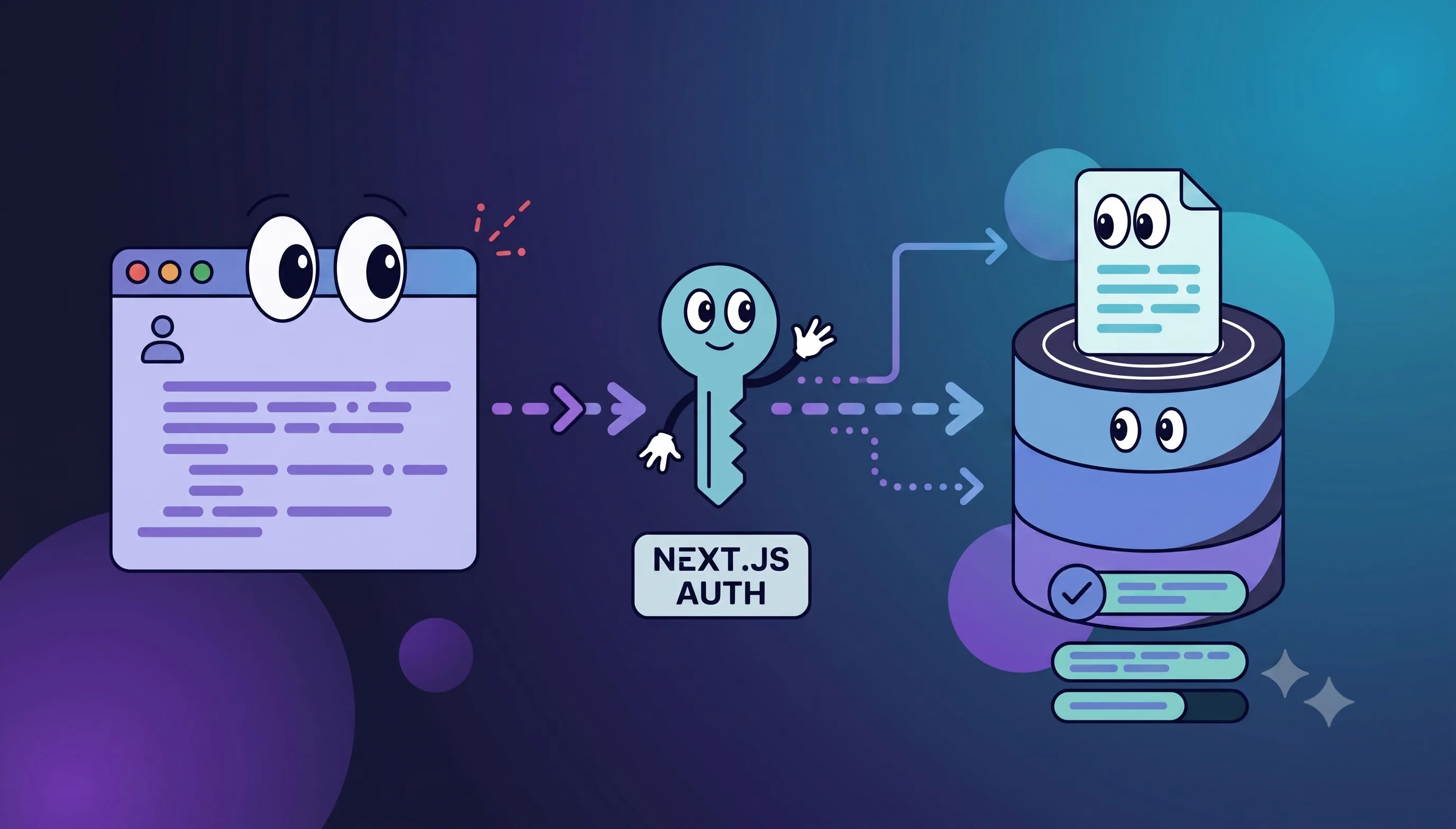
A Next.js app can look signed-in as soon as the header renders an avatar. That only proves the browser has some identity data. It says nothing about whether a Route Handler or Server Action will reject a forged or expired credential.
@authdog/nextjs-app connects hosted sign-in to the App Router. Each layer does one job: the provider holds browser state, callback middleware exchanges the login response, and backend validation is what actually protects data.
How the layers split
- Client —
AuthdogProvider,useUser, anduseAuthdrive UI. They do not authenticate a server request. - Callback middleware —
useAuthMiddlewaretakes the hosted-sign-in token, checks it against Authdog userinfo, and writes HttpOnly cookies. It does not guard later requests. - Server validation — every protected Route Handler or Server Action validates the session, then authorizes. In that order.
The current package supports Next.js 15 and 16, on React 18 or 19.
Set it up
Install the package and set the same publishable pk_... key on both sides:
bun add @authdog/nextjs-appNEXT_PUBLIC_PK_AUTHDOG=pk_your_environment_key
PK_AUTHDOG=pk_your_environment_keyThe publishable key identifies the environment. It is not a secret and cannot call privileged management APIs. Keep real secrets off NEXT_PUBLIC_ variables.
Wrap the app once near the root:
// app/layout.tsx
import { AuthdogProvider } from "@authdog/nextjs-app/client"

export default function RootLayout({
  children,
}: {
  children: React.ReactNode
}) {
  return (
    <html lang="en">
      <body>
        <AuthdogProvider>{children}</AuthdogProvider>
      </body>
    </html>
  )
}
The provider will pick up a JWT-shaped ?token= value from the URL and strip it once consumed. That check only confirms three dot-separated segments. It does not prove signature, issuer, audience, or expiry.
Read identity in client components with useUser:
"use client"

import { useUser } from "@authdog/nextjs-app"

export function AccountSummary() {
  const { user, isLoading } = useUser()

  if (isLoading) return <p>Loading account…</p>
  if (!user) return <a href="/sign-in">Sign in</a>

  return <p>Signed in as {user.emails?.[0]?.value}</p>
}
useAuth is for UI transitions and navigation. It is not a permission check for a Server Action, Route Handler, database query, or billing call. An attacker can hit the server without rendering your React tree.
Exchange the hosted callback in middleware:
// middleware.ts
import { useAuthMiddleware } from "@authdog/nextjs-app/server"

export default useAuthMiddleware(process.env.PK_AUTHDOG!)

export const config = {
  matcher: ["/((?!_next/static|_next/image|favicon.ico).*)"],
}
The return URL from hosted sign-in must match this middleware. Test the callback on the production path and reverse proxy, not only localhost.
Trust boundaries
Middleware handles the callback exchange only. It does not protect routes and does not validate cookies on every later request.
A protected handler validates the credential with Authdog's backend SDK for your server framework, then enforces authorization:
export async function POST(request: Request) {
  const session = await validateAuthdogSession(request)
  if (!session) return new Response("Unauthorized", { status: 401 })

  const allowed = await canManageBilling(session)
  if (!allowed) return new Response("Forbidden", { status: 403 })

  return updateBillingSettings(session)
}validateAuthdogSession, canManageBilling, and updateBillingSettings are stand-ins for your own boundaries, not exports from @authdog/nextjs-app. Build them against the backend SDK and your authorization model.
Keep the three outcomes distinct:
401 Unauthorized— no valid session403 Forbidden— identity is valid, access is not- Success — both checks passed
Never accept a user or organization id from the browser in place of validated session claims.
Log out on both surfaces
Client state and server cookies have separate cleanup paths. clearAuthdogSession() clears browser local storage; logoutHandler clears server cookies. A complete logout calls both.
Decide what "log out" means before you ship:
- this application session
- every session on this device
- the identity-provider session too
Describe that choice in the UI so people know what is still signed in.
Try it
Walk the trust boundaries, not only the happy path:
- Callback reaches middleware and the token disappears from the URL.
- Missing, malformed, expired, and revoked credentials fail server validation.
- A direct request to a protected route fails without rendering the client app.
- A valid user without the right permission gets a
403. - Switching organizations changes the server-side data scope.
- Logout clears both browser state and HttpOnly cookies.
- Return URLs work behind the deployed domain and proxy.
The Next.js framework guide has the current install surface. Pair it with backend validation and authorization.