

From browser login back to localhost: Authdog CLI OAuth
How Authdog CLI combines hosted sign-in, a loopback callback, and a one-time grant to authenticate a native terminal application.

Authdog Engineering
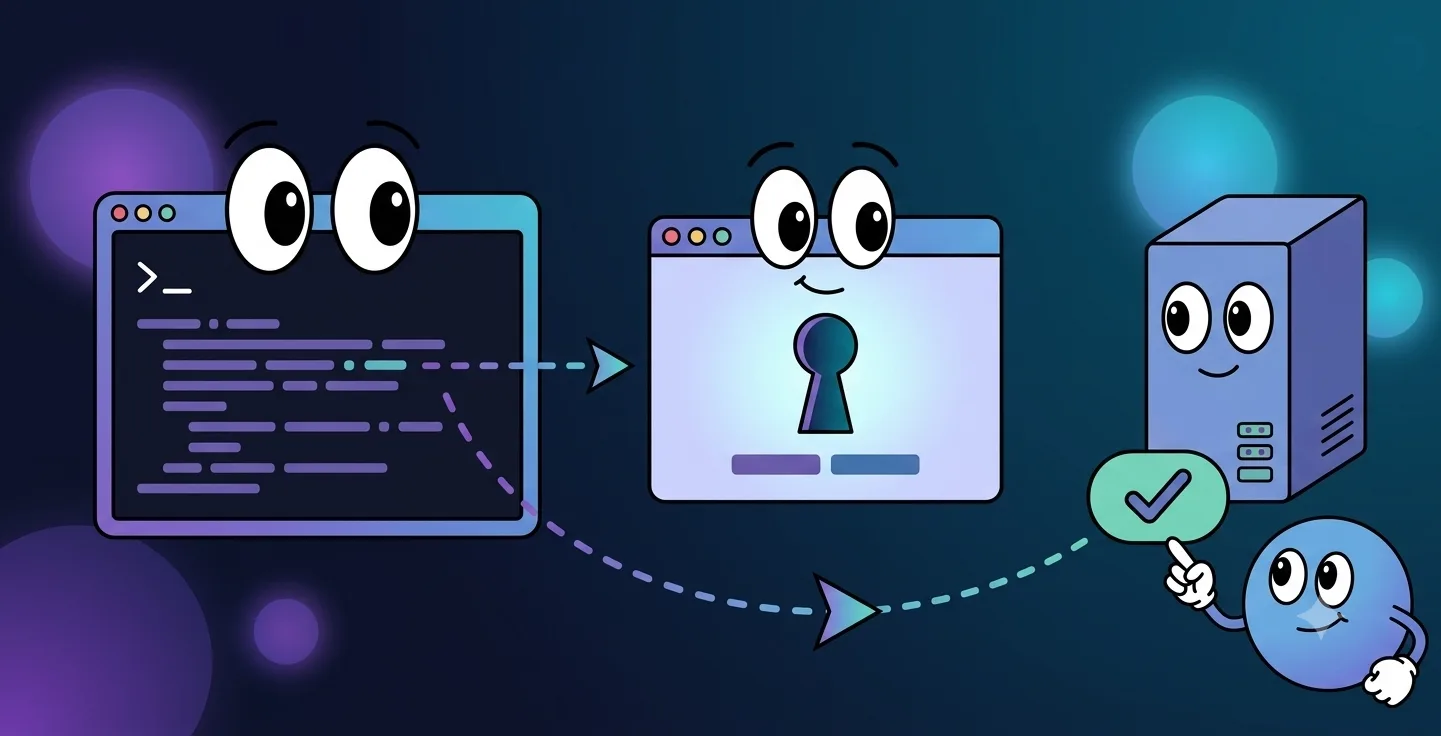
Native command-line tools need browser-grade authentication, ideally without ever asking someone to paste a long-lived secret into a terminal. Authdog CLI handles this with a hosted sign-in flow and a temporary loopback listener bound to 127.0.0.1.
From the user's side it feels almost trivially simple: type /login, finish sign-in in a browser, and land back in the CLI already authenticated. Here's what's actually happening underneath.
It starts with a local callback
The CLI picks an available local port and spins up a short-lived HTTP listener, then opens the hosted Authdog sign-in page with callback state that identifies this specific login attempt. Once authentication finishes, the browser gets redirected to:
http://127.0.0.1:<port>/oauth/callbackBinding to the loopback interface keeps that listener local to the device. Nothing on the network can reach it. And rather than exposing access or refresh tokens directly in the browser URL, the callback only accepts a one-time, 64-character hexadecimal grant.
Redeem once, then close up shop
The CLI sends that grant to Authdog for redemption. A successful response comes back with access and refresh tokens for the native process, which persists the session for later authenticated requests.
The callback listener gives itself an eight-minute deadline, and grant redemption retries for up to two minutes to ride out short propagation or network delays. Once the exchange succeeds, the browser shows a branded completion page and the local listener shuts itself down.
Each surface gets one narrow job
- The browser handles interactive authentication.
- The loopback callback receives an ephemeral grant.
- The Authdog server redeems that grant exactly once.
- The CLI stores the resulting session and starts calling authenticated APIs.
No password ever passes through the terminal, and there's no reusable token that has to be copied off a web page by hand.
What's protecting the local session
On Unix systems, Authdog writes the credential file with mode 0600, so it's restricted to the current user. /status shows where credentials live and gives you a preview of session state without ever printing a full token, and /logout deletes the local credential file outright.
Worth knowing if you're evaluating the current release: the beta stores tokens in local JSON rather than an OS keychain, and it doesn't yet expose refresh as a user-facing workflow. Both are constraints we're aware of, not oversights.
Loopback OAuth gives the CLI a native sign-in experience that actually works today, while leaving a clear path toward stronger, platform-specific credential storage down the line.